GitHub
Summary
“GitHub is a cloud-based platform where you can store, share, and work together with others to write code.” (See About GitHub)
Instructions
The following are very brief instructions to get started. (For more information, see https://
Sign in/up at GitHub. If you already have an account (or have a google account), go to “Sign in”. If not, then go to “Sign up”.
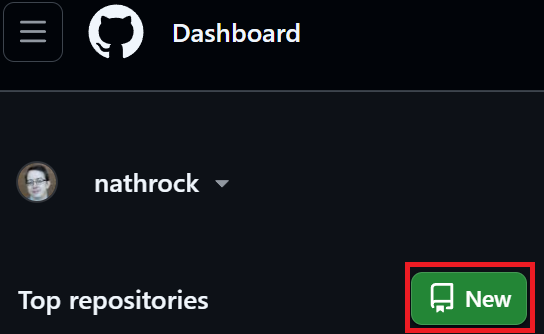
On Home/Dashboard, click “New” to create a repository (repo).
Name it after the class you’re in, e.g., “ECON304”.
Under “Choose visibility” select “Private” (until you’re ready for the world to see your work).
Optional: If you eventually/plan to do a lot of collaborative programming with different integrated development environments (IDEs such as Stata, RStudio, MATLAB, VS Code), then I recommend installing GitHub Desktop.